Skip to main content
Azandi Learning Documentation
Search
Shelves
Books
Log in
Info
Content
Books
CentOS Server - Moodle...
Preparation
Moodle Maintenance Mode
Moodle Maintenance Mode
Moodle Maintenance Mode
Log in as an administrator
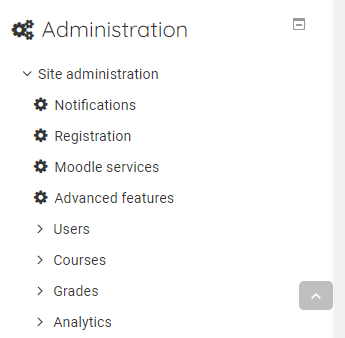
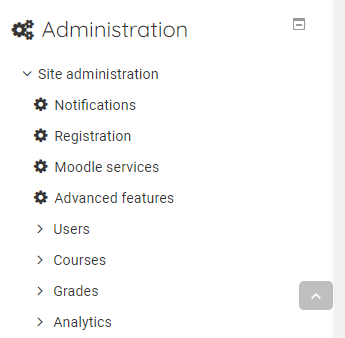
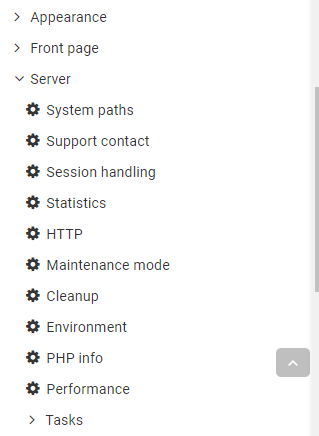
Expand the Administrator panel
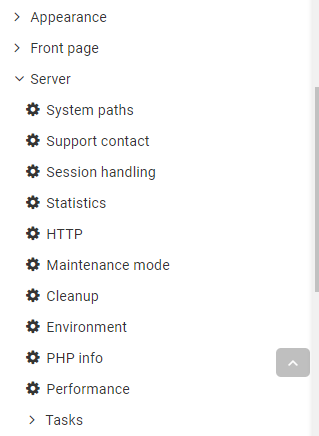
Expand the Server sub-menu and click Maintenance Mode
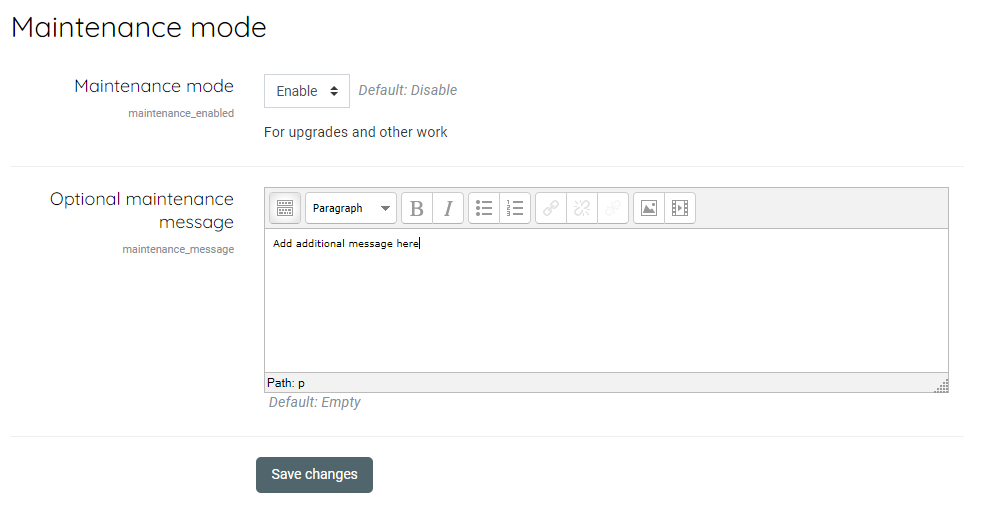
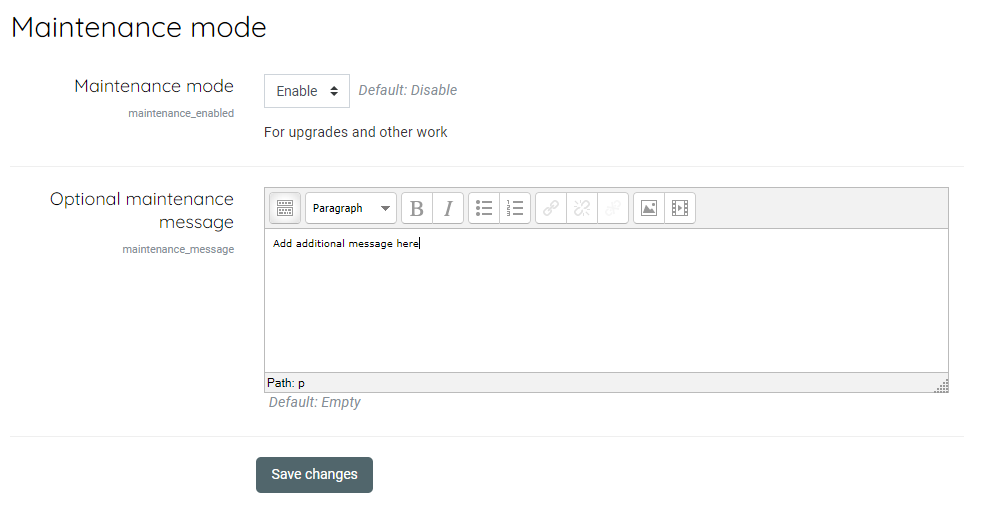
Enable Maintenance mode, add an addition message if necessary and save the changes
Previous
Adding plugins
Next
Backups
Back to top