Adding plugins
Adding plugins
- Log in to the current version of Moodle as an administrator
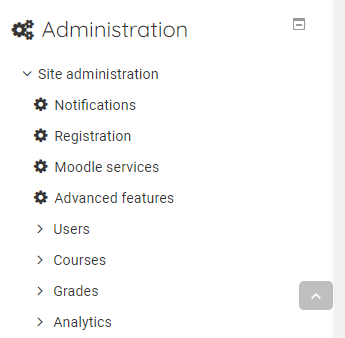
- Expand the Site Administrator menu
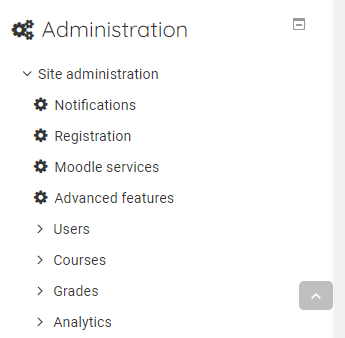
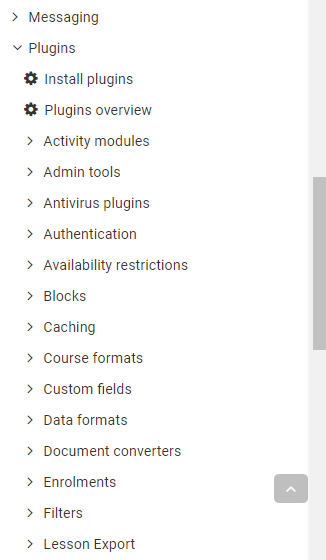
- Expand the Plugins menu
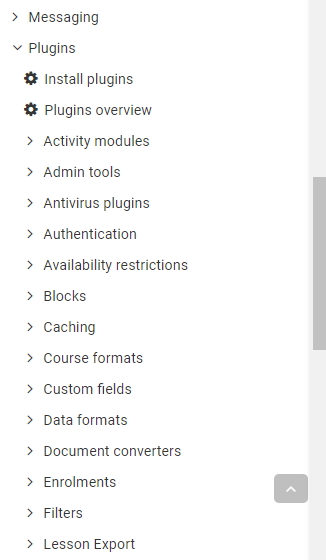
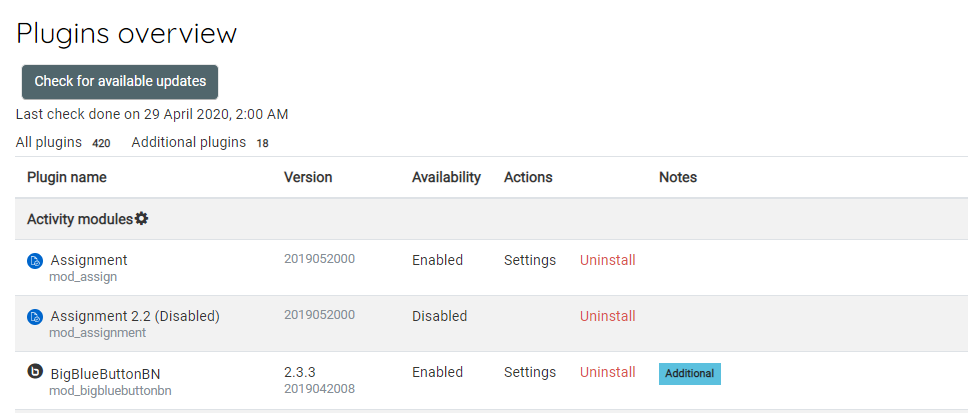
- Click Plugins Overview
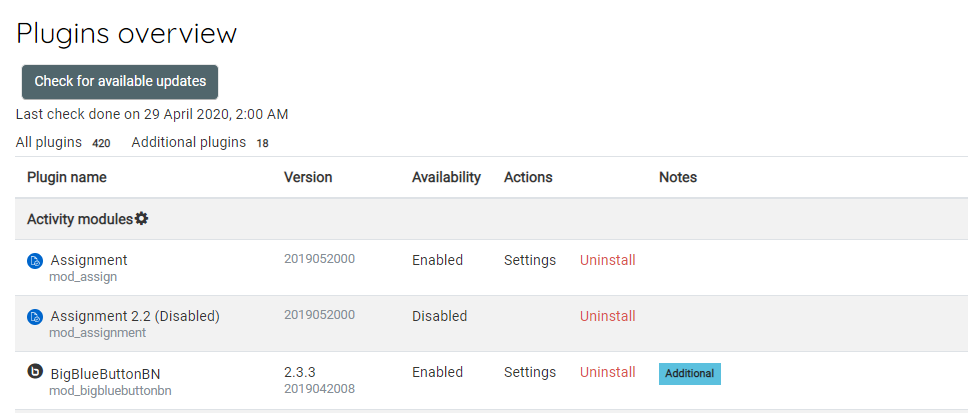
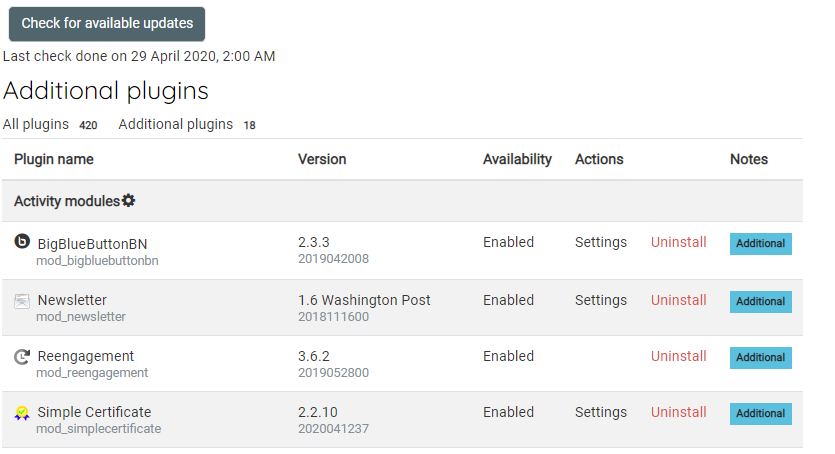
- Click Additional Plugins
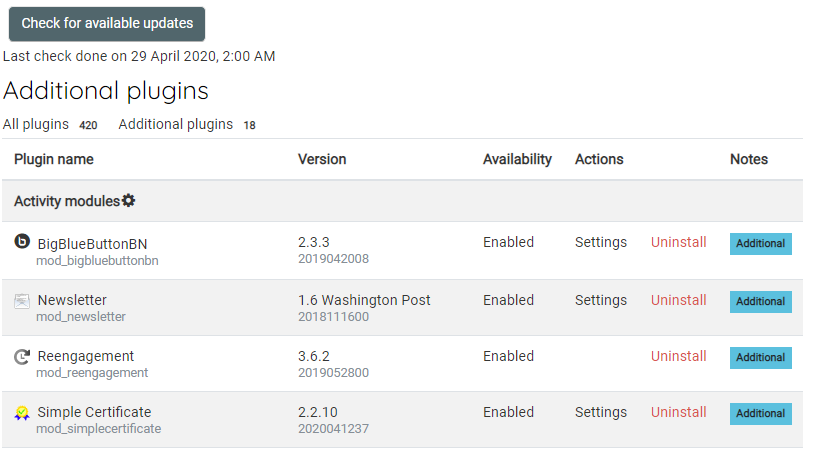
- Make a note of all the additional plugins
- Navigate to Moodle plugins directory
https://moodle.org/plugins/ - Search and download each of the plugins
- Extract and add to the plugin to one of the correct common paths below
/path/to/moodle/theme/ - themes
/path/to/moodle/mod/ - activity modules and resources
/path/to/moodle/blocks/ - sidebar blocks
/path/to/moodle/question/type/ - question types
/path/to/moodle/course/format/ - course formats
/path/to/moodle/admin/report/ - admin reports