Let's Encrypt Certificates
Obtaining a Certificate
- Run the command below (replacing example.com with the actual domain details)
certbot --apache -d example.com
- Follow the prompts of the application
- At the option, "Please choose whether or not to redirect HTTP traffic to HTTPS, removing HTTP access," choose 1. Https redirection is configured in the domains conf file
Please choose whether or not to redirect HTTP traffic to HTTPS, removing HTTP access.
- - - - - - - - - - - - - - - - - - - - - - - - - - - - - - - - - - - - - - - -
1: No redirect - Make no further changes to the webserver configuration.
2: Redirect - Make all requests redirect to secure HTTPS access. Choose this for
new sites, or if you're confident your site works on HTTPS. You can undo this
change by editing your web server's configuration.
- - - - - - - - - - - - - - - - - - - - - - - - - - - - - - - - - - - - - - - -
Select the appropriate number [1-2] then [enter] (press 'c' to cancel):1
Checking a Certificate Status
- Open the below link in your preferred web browser, replacing example.com with your base domain
https://www.ssllabs.com/ssltest/analyze.html?d=example.com
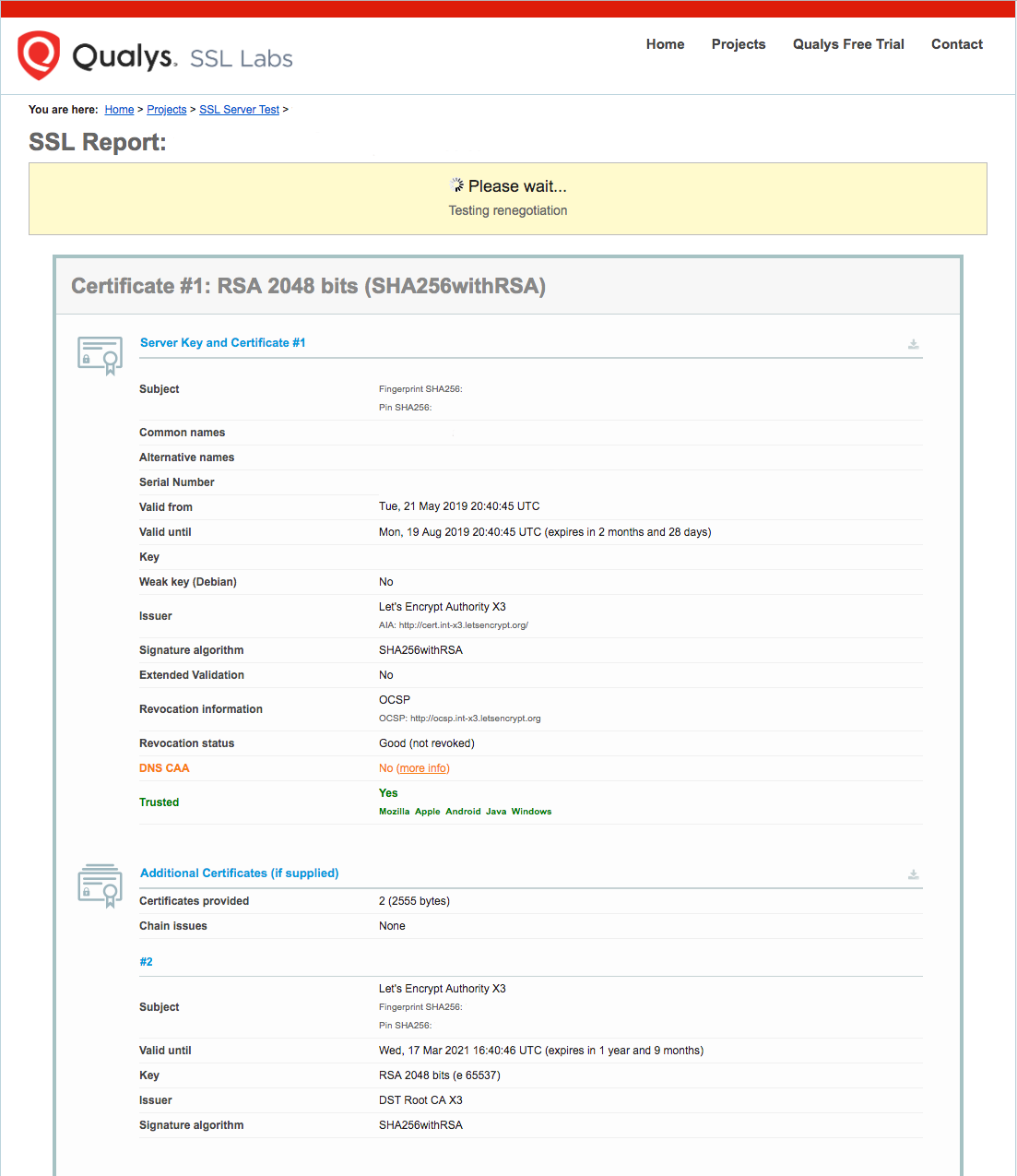
- You will land on a page that immediately begins testing the SSL connection to your server

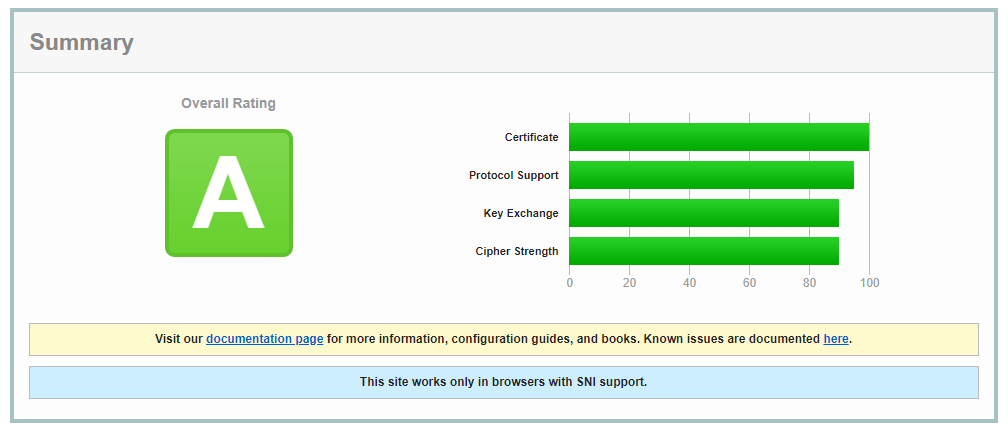
- A result page, similar to the one below, will be displayed once the test has completed

Setting Up Auto Renewal
Dry Run Test
- Do a dry run to test renewal with the command below
certbot renew --dry-run
- The result should be similar to
Saving debug log to /var/log/letsencrypt/letsencrypt.log

- - - - - - - - - - - - - - - - - - - - - - - - - - - - - - - - - - - - - - - -
Processing /etc/letsencrypt/renewal/example.com.conf
- - - - - - - - - - - - - - - - - - - - - - - - - - - - - - - - - - - - - - - -
Cert not due for renewal, but simulating renewal for dry run
Plugins selected: Authenticator apache, Installer apache
Starting new HTTPS connection (1): acme-staging-v02.api.letsencrypt.org
Renewing an existing certificate
Performing the following challenges:
http-01 challenge for example.com
http-01 challenge for www.example.com
Waiting for verification...
Cleaning up challenges
Resetting dropped connection: acme-staging-v02.api.letsencrypt.org

- - - - - - - - - - - - - - - - - - - - - - - - - - - - - - - - - - - - - - - -
new certificate deployed with reload of apache server; fullchain is
/etc/letsencrypt/live/example.com/fullchain.pem
- - - - - - - - - - - - - - - - - - - - - - - - - - - - - - - - - - - - - - - -

- - - - - - - - - - - - - - - - - - - - - - - - - - - - - - - - - - - - - - - -
** DRY RUN: simulating 'certbot renew' close to cert expiry
**          (The test certificates below have not been saved.)

Congratulations, all renewals succeeded. The following certs have been renewed:
  /etc/letsencrypt/live/example.com/fullchain.pem (success)
Auto Renew
- Open the crontab file
crontab -e
- Add the command below to auto renew certificiates
0 0,12 * * * python -c 'import random; import time; time.sleep(random.random() * 3600)' && certbot renew
- Save and exit